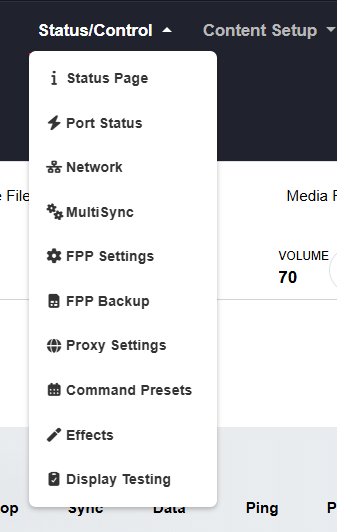
Status/Control Section
The Status/Control menu holds the day‑to‑day settings, status reports and playback control of your FPP device. Its first entry — and the default page that loads when you log into FPP — is the Status Page. Depending on which mode FPP is running in, Player or Remote, the screen looks a little different.